

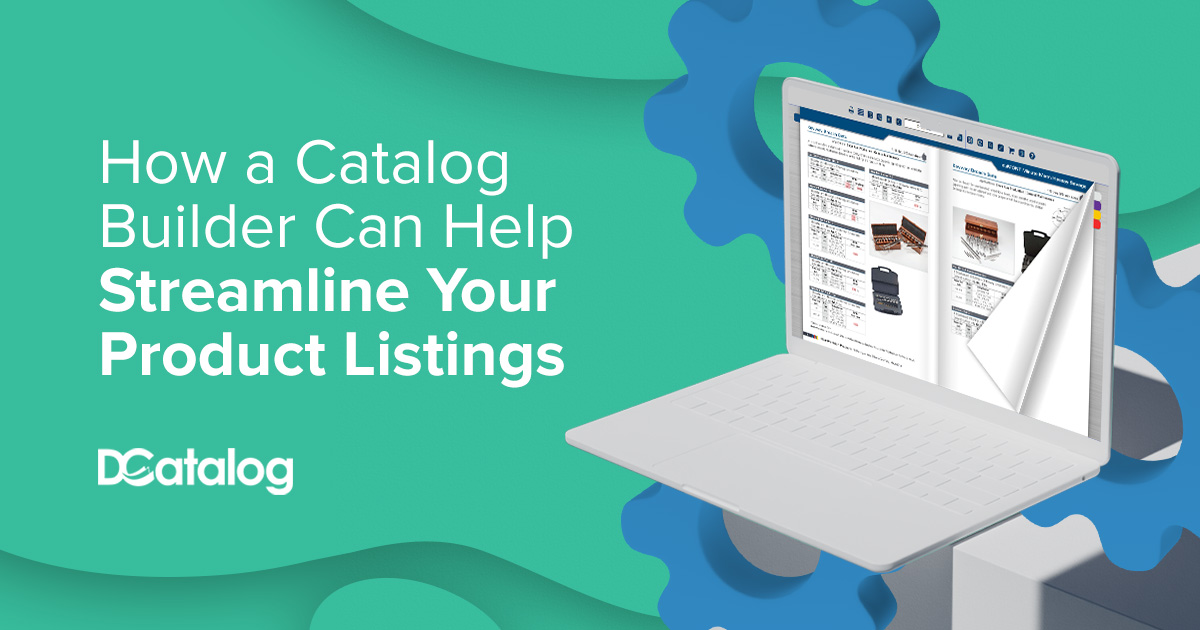
If you have products to sell, it’s likely that you also have an endless list of products detailed on spreadsheets. Now that customers are very comfortable with online shopping, it might be time to transform your product data into PDF catalogs.
It might sound daunting to think about converting your data source into a PDF, but with the right catalog builder software, you can effortlessly produce catalogs, price lists, and line and sell sheet templates with your preferred layout, design, and company branding.
What is a Catalog Builder?
A catalog builder is a user-friendly tool that simplifies the process of creating and managing a digital catalog from your product data feed by providing a streamlined interface that requires no deep technical knowledge to use. You can create a catalog template from scratch or choose from existing templates, then connect your data and map your fields to the template.
Build product catalog data into a visually appealing and well-crafted design that makes it efficient for eCommerce businesses to manage content. This will save time, reduce manual errors, improve accuracy, and enhance the presentation of your product catalogs.
Let’s explore how to use a catalog builder to streamline your product listings and the benefits you will receive from using this software.
The Challenges of Managing Product Listings Without a Catalog Builder
There are several challenges to managing product listings without using a digital catalog builder, not the least of which is staying organized and up-to-date. Product data is always evolving; new items are introduced, pricing changes take place, and customers need to feel like they are receiving the most updated and current product information available.
While it may feel more reliable to lean on manual processes—such as spreadsheets, static PDFs, or disconnected documents—to manage and share product listings, choosing to use a catalog builder will solve several problems.
The drawbacks of choosing not to build a catalog digitally include time-consuming updates, error-prone processes, and inconsistent formatting. These inefficiencies increase the risk of mistakes such as outdated pricing, duplicate SKUs, or formatting issues—all of which can result in lost sales or customer frustration.
You will also run into problems with keeping product listings updated in a timely manner. Even minor updates, such as a change in inventory status or spec details, require redoing entire sections of your catalog. That creates version control headaches and delays that can hurt your time-to-market and brand reputation.
- Problems with Keeping Product Listings Updated
- The Need for a More Efficient Solution
Key Features of a Catalog Builder That Help Streamline Product Listings
- Bulk Uploading & Data Import Tools: Easily upload product data from Excel, CSV, PIM, ERP, or API connections to eliminate manual entry and ensure accuracy.
- Drag-and-Drop Layout Editor: Customize catalog layouts with intuitive tools that simplify design and content placement—no coding required.
- Template Library: Use pre-built, professionally designed templates to maintain consistency and speed up creation across multiple catalogs or departments.
- Real-Time Editing & Auto-Sync: Instantly update product descriptions, pricing, or availability and reflect changes across all versions of the catalog.
- Advanced Search & Filter Functions: Help users quickly find and categorize products, improving catalog navigation and customer experience.
- SKU Linking & Dynamic Product Tags: Link product listings directly to ecommerce pages or spec sheets, enabling a seamless transition from browsing to buying.
- Rich Media Support: Add high-resolution images, videos, 360° product views, and downloadable PDFs to enhance product presentation.
- Mobile Optimization: Ensure catalogs are responsive and user-friendly on all devices, especially for on-the-go B2B buyers.
- Version Control & Catalog Scheduling: Manage multiple versions, schedule future launches, or archive past editions without losing data.
- Analytics & Reporting: Track product views, clicks, and user interactions to identify bestsellers and optimize catalog performance.
The Role of Catalog Builders in Enhancing Product Presentation
The best catalog builder software plays a vital role in the enhancement of product presentations. It offers significant visual enhancements such as pop-up images, embedded videos, slideshow carousels, shopping windows, and animations to highlight products, call attention to features, and provide additional information to customers.
As you build your catalog, optimize the layout and design to enhance usability and readability. Keep the principles of design in mind:
- Prioritize white space: Use contrast and balance to give the images and descriptions room to breathe and reduce visual clutter.
- Maintain visual hierarchy: Font size and weight matter. Use them constructively to guide the reader’s eye and emphasize key information like pricing or product names.
- Include interactive elements: Use clickable links, embedded videos, and animations next to relevant products to highlight key details.
- Group products logically: Ensure that similar products are grouped together and arranged with consistency across catalog pages.
- Add detailed product descriptions: Combine clear, structured information with visuals and interactivity to improve usability and drive conversions.
How to Build a Catalog Efficiently Using a Catalog Builder
Step-by-Step Process to Build a Catalog
- Collect and Organize Product Data: Consolidate product titles, SKUs, pricing, images, specs, and availability in a structured format like Excel or integrate directly from your ERP, PIM, or eCommerce platform.
- Choose the Right Catalog Platform: Select a solution like DCatalog that supports automated catalog creation and mobile-friendly flipbooks.
- Select or Upload a Template: Choose from pre-designed layouts or upload your own branded template.
- Import and Map Your Product Data: Use mapping tools to automatically populate your catalog layout with product information.
- Enhance with Interactive Features: Add search and filtering, clickable ecommerce links, embedded videos, and lead capture forms.
- Generate and Export: Output your catalog as a mobile-optimized flipbook, downloadable PDF, or embedded web version.
Best Practices for Catalog Creation
- Keep It Simple & Navigable: Use clear categories, consistent layouts, and sticky navigation.
- Ensure Data Accuracy: Automate updates from your ERP or database.
- Prioritize Mobile Optimization: Ensure readability on all devices.
- Design for Branding: Apply consistent fonts, colors, and logo placement.
- Use High-Quality Visuals: Include crisp images and product zoom functionality.
Testing and Previewing Your Catalog
- Preview your catalog on desktop, tablet, and mobile devices.
- Test all hyperlinks, videos, and calls to action.
- Validate load speed and mobile performance.
- Gather feedback from internal stakeholders or clients.
- Use built-in analytics to monitor catalog performance.
Wrap Up
A digital catalog is more than just a product listing—it’s a branded, interactive sales experience. With platforms like DCatalog, you can eliminate manual work, boost buyer engagement, and ensure your content is always fresh, relevant, and ready to convert.
Ready to create your own digital catalog?
Explore what DCatalog can do for your business! Set up a consultation with one of our Publishing Executives today to learn more.