Transform your inventory sheets into dynamic, branded inventory sheet templates that are easy to update, customize, and share.
Replace outdated PDFs with a real-time inventory management experience that keeps your stock inventory list accurate and always accessible.
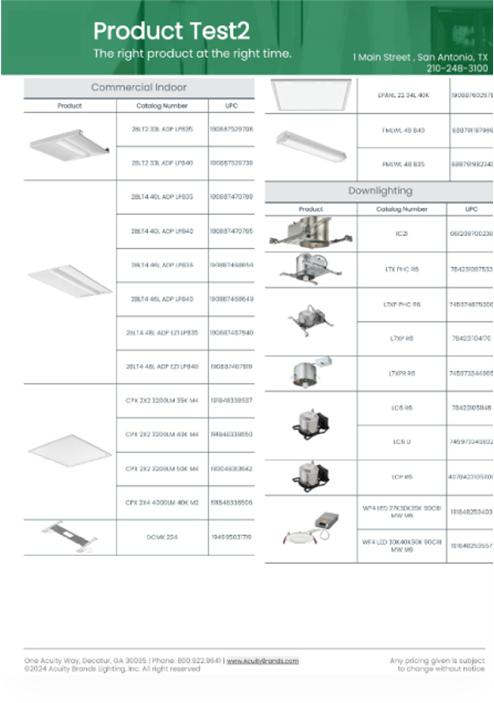

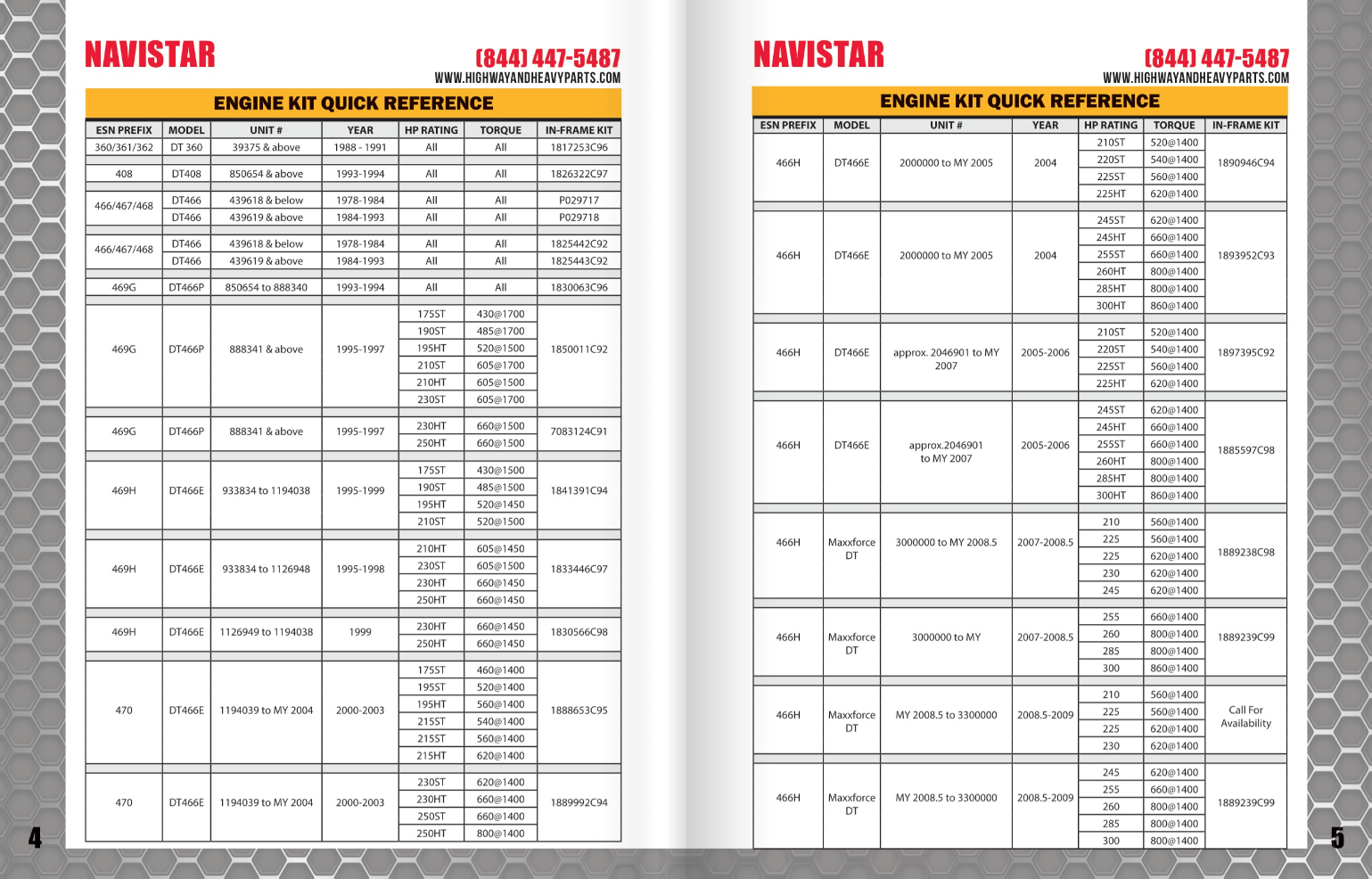
Modernize your inventory management with DCatalog’s automated tools. Create professional PDFs or interactive inventory sheets by applying pre-designed or fully customized layouts – no manual formatting required.
Choose from Grid, Chart, and List views to organize item names, SKUs, quantities, unit costs, supplier information, and stock movement for better inventory tracking and faster stock takes.
Create branded inventory sheet templates that match your company’s standards with DCatalog.
Personalize layouts with your colors, fonts, logos, and custom fields. Upload your product data to instantly generate an interactive inventory spreadsheet or inventory list template that’s always up to date and ready to share.


Sync your inventory sheets directly with your product database, inventory Excel template, or live supply inventory feed. Changes to item names, SKUs, quantities, unit costs, supplier details, or stock movement automatically update in real time – keeping your inventory tracking accurate without manual edits.
Make your inventory spreadsheets and digital inventory logs more powerful with DCatalog’s interactive tools. Enhance your inventory sheets with:


Access your stock take list and digital inventory logs seamlessly across desktops, tablets, and smartphones. hare them via a flipbook link, secure them with SSO, or embed them into your internal inventory management system.
DCatalog safeguards your digital inventory sheets, inventory logs, and supply inventory lists with advanced security options. Set unique passwords for client access, integrate Single Sign-On (SSO), or embed sheets securely behind your existing HTTPS login. Maintain full control over how and where your inventory data is shared.

Create smarter, real-time inventory sheet templates with DCatalog today.
Save hours of manual updates, eliminate errors, and deliver dynamic inventory lists that are always accurate and ready to share.


Import your product details – item names, SKUs, prices, quantities, and supplier information – from a CSV/Excel file, inventory spreadsheet, or live product database. DCatalog also supports API connections for real-time inventory syncing.
Choose from professionally designed inventory sheet templates or build a fully custom layout that fits your product data. Add your branding, insert interactive elements, and enable real-time inventory updates – all in a few clicks.
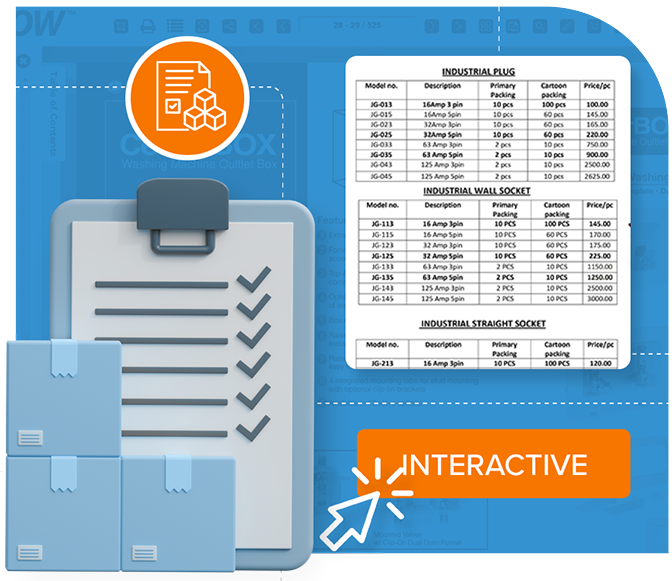

Export your inventory sheets as professional PDFs or share them through a secure, online flipbook link. You can also embed your sheets directly into your internal inventory management system for easy team access.
Automate inventory sheet creation with DCatalog’s templates. Save hours, eliminate errors, and deliver real-time, interactive inventory lists your sales reps and customers trust.

Eliminate manual entry errors and improve inventory tracking with automated inventory sheet updates. Maintain clean, reliable data without constant oversight.

Manufacturers, distributors, and suppliers can generate tailored inventory sheets based on client contracts, regional supply availability, or bulk order tiers – delivering accurate pricing and branding to every audience.

Instantly update inventory sheets across multiple channels to keep customers, sales reps, and partners synced with the latest stock levels, product information, and supply availability.

Connect your inventory data directly to your PIM, DAM, ERP, eCommerce platform, or live data feeds. Sync product updates automatically to keep inventory tracking accurate, effortless, and always up to date.

Deliver interactive, digital inventory sheets that improve navigation, keep product information always up to date, and create a smoother, faster experience for sales reps and customers.

Expand into new markets with automated inventory distribution. Manage supply inventories, material lists, and product catalogs effortlessly across teams, partners, and regions.
With DCatalog, you can automate inventory management, improve sales team performance, and deliver a seamless experience to your customers.
Ready to take your inventory sheets to the next level?
Get a Demo

Simply upload your inventory data – such as item names, SKUs, quantities, and supplier information – select a template, and customize it with your branding. DCatalog will automatically generate a professional, interactive inventory sheet ready for sharing and updating.
You can upload data from CSV, Excel (XLS/XLSX), XML, JSON, PIM, ERP, eCommerce platforms, or connect directly via API. DCatalog converts your structured inventory data into digital inventory sheets without manual formatting.
Absolutely! DCatalog allows you to sync your inventory sheets with live product databases or updated spreadsheets. Any changes in quantities, SKUs, or stock levels will automatically reflect in your digital inventory sheets.
Yes. All DCatalog inventory sheets are optimized for desktop, tablet, and mobile devices, ensuring easy access for your team, partners, and customers on any device.
Yes. DCatalog allows you to generate a print-ready PDF version of your inventory sheets, as well as an interactive digital version that can be shared online or embedded into internal systems.